Access Control System

Set access by person, door, area, and time, while connecting identity checks, door hardware, and visitor procedures.
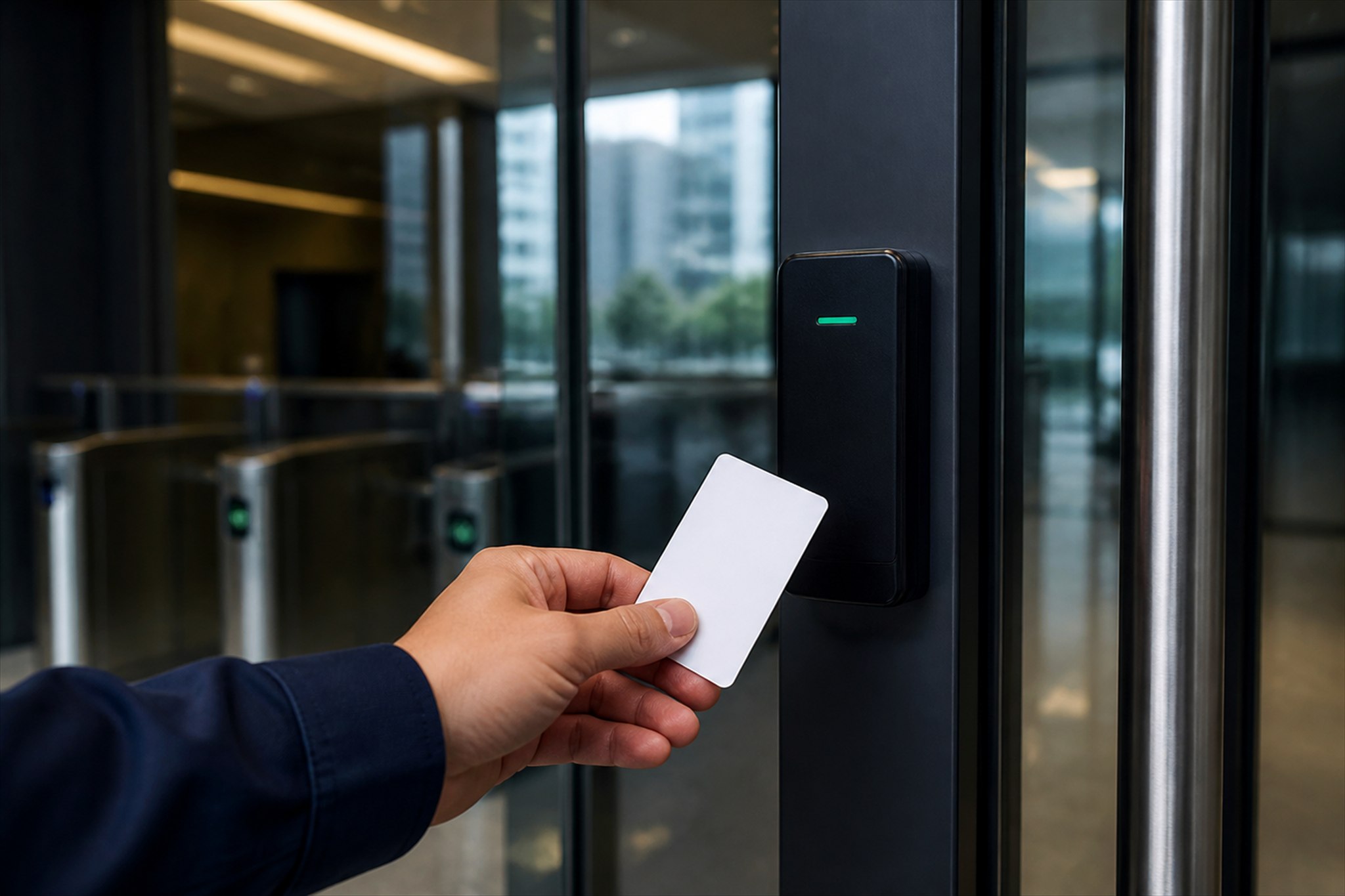
A hand presenting an access card to a reader at a glass door

What to confirm first

When keys and permissions are split across systems, adding or removing access, reviewing incidents, and managing visitors become harder.

How we design the system

We map access from the real movements of staff, contractors, and visitors, then select the right verification method and hardware for each point.

How the system needs to work

This diagram shows the basic operating logic. Actual connections depend on the equipment and project requirements.

  1. 01User presents a credential
  2. 02System verifies identity
  3. 03Check area and time permissions
  4. 04Unlock or deny access
  5. 05Event is recorded

System options

  • Cards or PINs for general doors and areas
  • Fingerprint or facial verification where stronger identity checks are needed
  • Connect turnstiles, lifts, visitor management, or attendance within the project scope

Functions to consider

  • Add and remove permissions centrally
  • Set access zones and time windows
  • Log entry and exit events
  • Support emergency plans based on the equipment and site requirements

Where this system is commonly used

OfficesCondominiums and residential buildingsFactoriesRestricted areas

Questions about Access Control System

How do we choose between cards, fingerprints, and facial verification?

Consider the risk level, passage speed, number of users, environment, and personal data policy together.

Can the system connect to existing doors?

Before designing the connection, we need to inspect the door type, lock, power supply, alarm signals, and fire-exit requirements.

Review all systems before decidingBack to all solutions →

Send details for a Access Control System assessment

Share the site, existing systems and the problem to solve so we can make a focused initial assessment.

Assess an access control system